

Slack
The Slack data source connector uses the Slack API to fetch data from Slack and to bring it to Keboola.
The Slack data source connector uses the Slack API to fetch data from Slack and to bring it to Keboola.
Create New Configuration
Section titled “Create New Configuration”Create a new configuration of the Slack connector. Then click Authorize Account to authorize the configuration.
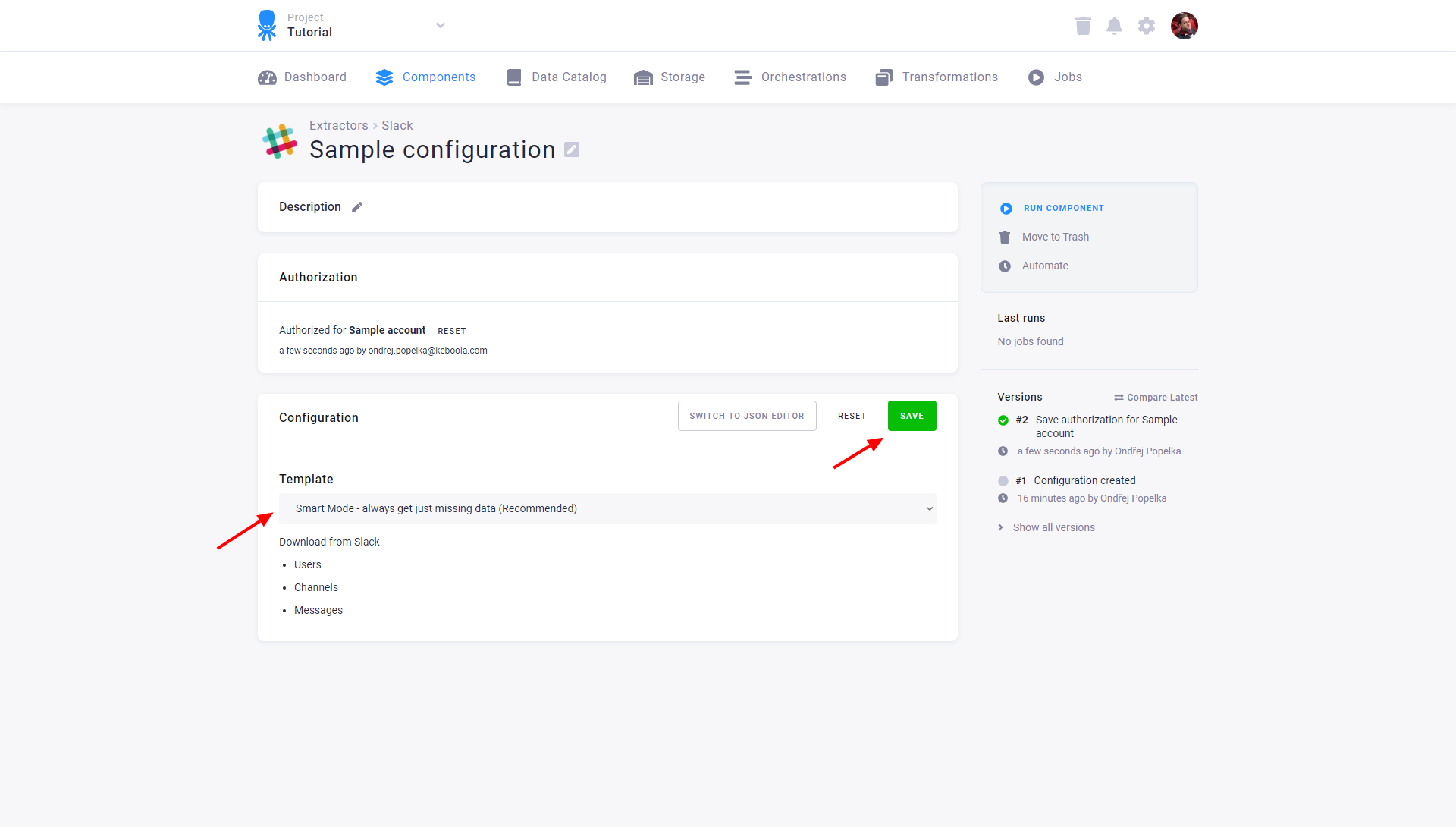
Select the template you wish to use:
- Smart Mode — using this mode you always get just missing data (recommended), loads data incrementally.
- Full Mode — using this mode you always get everything.
You can download:
- Users
- Channels
- Messages
After you select one of the two templates, remember to save the configuration.
You can also switch to the JSON editor.